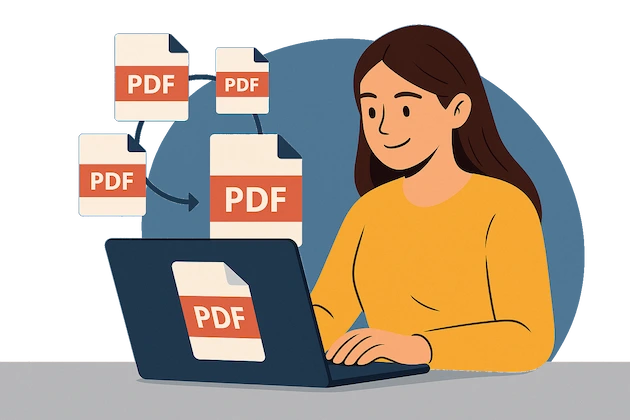
Merges PDF files instantly in your browser. No need to wait for uploads or downloads.
Works Offline
100% offline merging. Your files stay on your device — never uploaded to any server.
Unlimited Files
Merge as many PDF files as you need. No restrictions on file count or size.
Simple Interface
Just drag and drop your files, reorder if needed, and click “Merge.” That’s it.
How It Works
①
Install Extension
Get it from the Chrome Web Store with one click.
②
Add PDF Files
Drag and drop files into the extension or select them manually.
③
Merge and Download
Click “Merge” and download your combined PDF immediately.
FAQ
Here some common questions about our extension to help you understand better
How do I combine PDFs?
Open the extension, drop your files, reorder if needed, and click “Merge.” The final PDF downloads instantly.
Is it really offline?
Yes. All operations happen in your browser. Your PDFs are never uploaded or sent anywhere.
Is there a file or size limit?
No. You can merge as many files as your browser and system can handle — without watermarks or paywalls.
Does it work on Windows, macOS, or Linux?
Yes. It works on any desktop OS with Chrome or Chromium-based browsers.
What Our Users Say
A
Anastasia.
⭐⭐⭐⭐⭐
"Provides a simple and effective way to merge multiple PDFs into a single file. The drag-and-drop functionality works well, and the output retains the original quality. It’s a convenient tool for combining documents without needing external software. The process is quick, and the interface is straightforward. A useful extension for anyone who regularly works with PDFs."
E
Evgenii
⭐⭐⭐⭐⭐
"Awesome tools for merging and combining pdf files. Easy to upload and merge. No additional settings required. Merges files quite fast!"
E
Evgenii M.
⭐⭐⭐⭐⭐
"Tried this app - fantastic! Merge few pdf files in one - fast and easy. High quality of result pdfs."
Start your experience with our extension right now!
Merge multiple PDF files instantly and securely — right in your browser. No uploads, no limits, no watermarks.

 Install