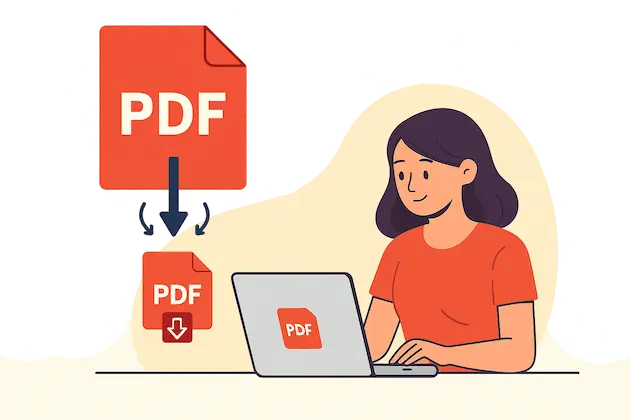
Compress your PDFs right in the browser without waiting or uploading files
Preserves Quality
Smart compression that reduces size while keeping your document clear and readable
Fully Offline
Works locally in your browser—your files never leave your computer
No Limits, No Watermarks
Compress as many PDFs as you like, with no branding or file size restrictions
How It Works
①
Install the Extension
Get started with one click from the Chrome Web Store
②
Drop Your File
Drag & drop your PDF file into the extension interface
③
Download the Result
Your smaller PDF will be automatically saved to your device
FAQ
Here some common questions about our extension to help you understand better
How does PDF compression work?
The extension reduces unnecessary data and optimizes image content inside the PDF—all done locally on your device.
Is it safe to compress confidential documents?
Absolutely. The extension works fully offline, and no files are uploaded or tracked.
Is there a size limit?
No, you can compress files of any size without restrictions.
Will it affect document quality?
The extension uses smart algorithms to reduce size while maintaining legibility and layout integrity.
What Our Users Say
L
Lisa T.
⭐⭐⭐⭐⭐
"This extension provides a quick and efficient way to reduce PDF file sizes without compromising quality. The compression process is fast, and the results are consistently reliable—ideal for email attachments or optimizing storage. The interface is clean and intuitive, making it easy to use even for beginners. A handy tool for anyone who regularly works with large PDF files."
E
Evgenii D.
⭐⭐⭐⭐⭐
"Quite good. Like!"
T
Tina S.
⭐⭐⭐⭐⭐
"Really useful extension for compressing pdf files. Fast compression, good quality of result files, just droped files and get pdf in a few seconds."
Start your experience with our extension right now!
Save storage space and speed up your workflows. Install the Compress PDF Extension today and reduce file size in seconds—no compromise on privacy or quality.

 Install